Pay. Get paid. All with Sentoo.
Pay online, scan to pay, and request money with the banks you already use.
Download the Sentoo app
See what you can do with Sentoo
Connect
Link your bank account securely to unlock payment requests and other Sentoo features.
Pay
Pay online or scan a Sentoo QR code and complete your payment securely through your bank.
Get paid
Create a payment request in seconds and share your link or QR code. When someone pays you, the money goes directly into your bank account.
See Sentoo? Pay with Sentoo
-

Shop or order online
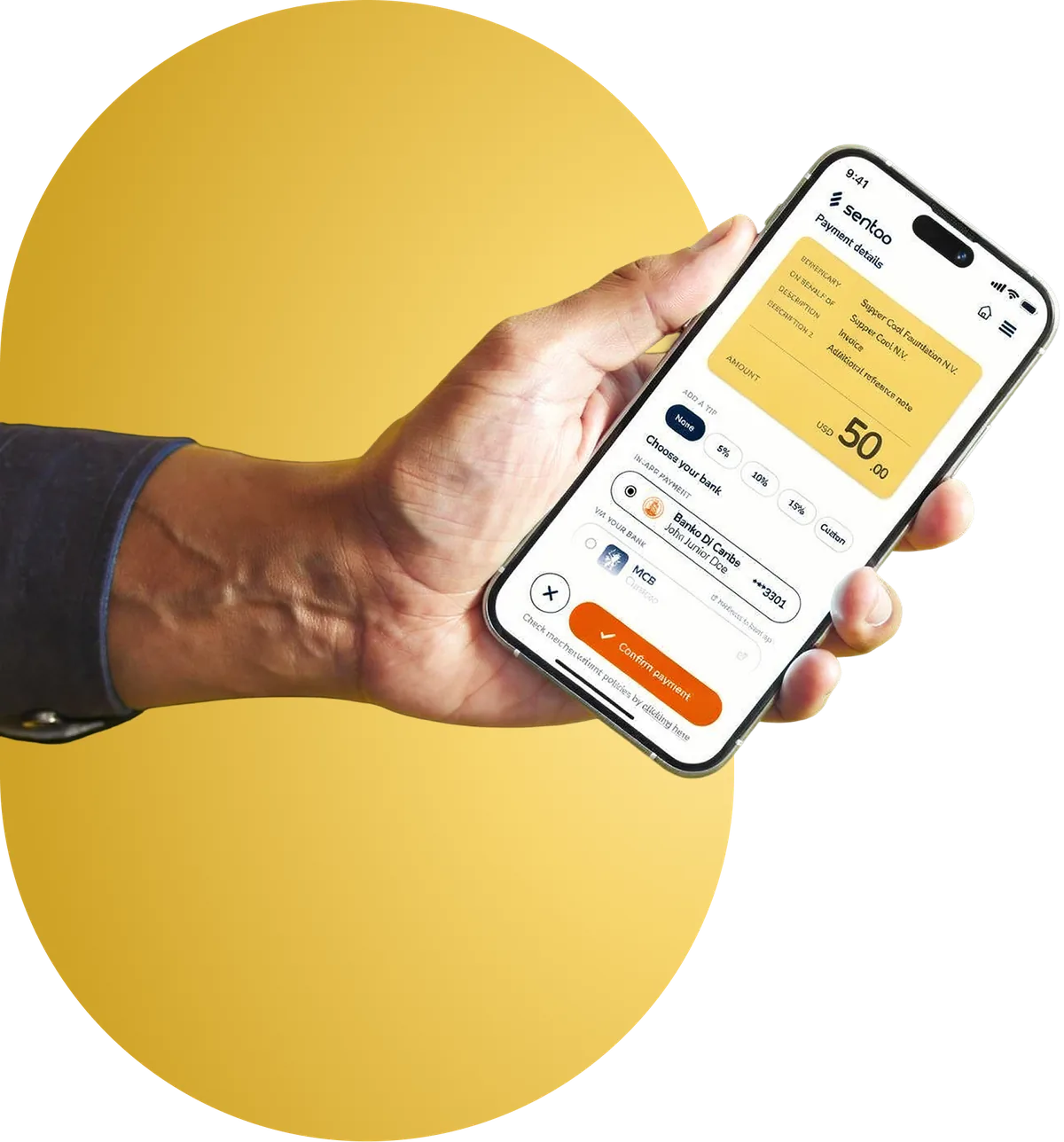
Choose Sentoo as your payment method. Continue in the Sentoo app, choose your bank and approve the payment through your banking app.
-

Scan to pay bills and invoices
See a Sentoo QR code? Open the Sentoo app and scan it. Check the payment details, choose your bank and continue to your banking app to pay.
-
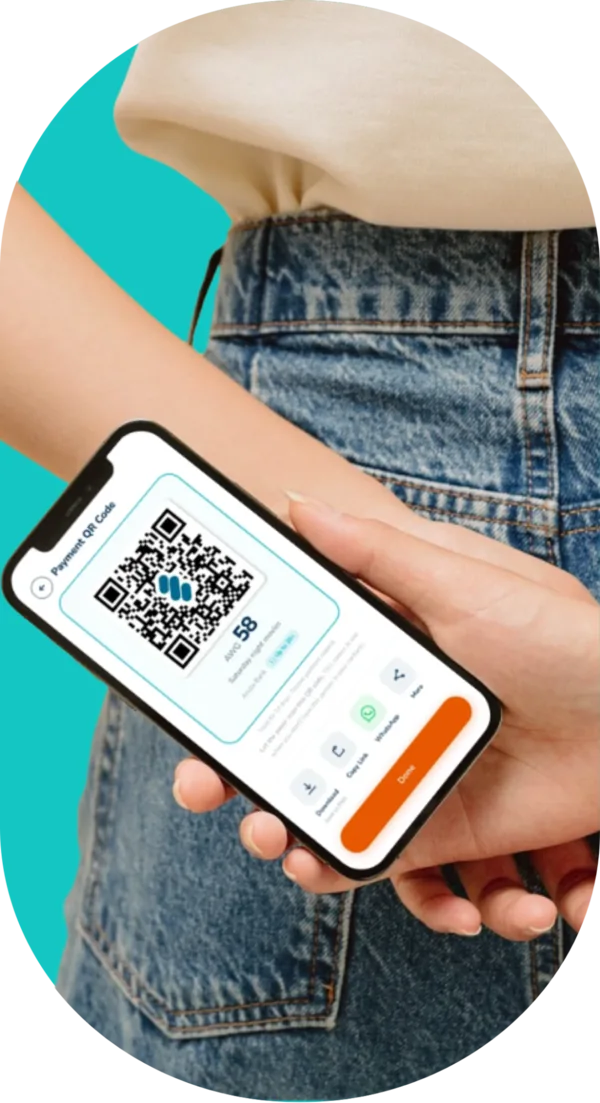
Need to get paid?
Create a payment request in Sentoo and share the link or QR code. Once it’s paid, the money goes directly into your bank account.
Connected to your bank. Your money stays there.
Sentoo securely connects you to your bank to make payments and receive money. Your money stays in your bank account.
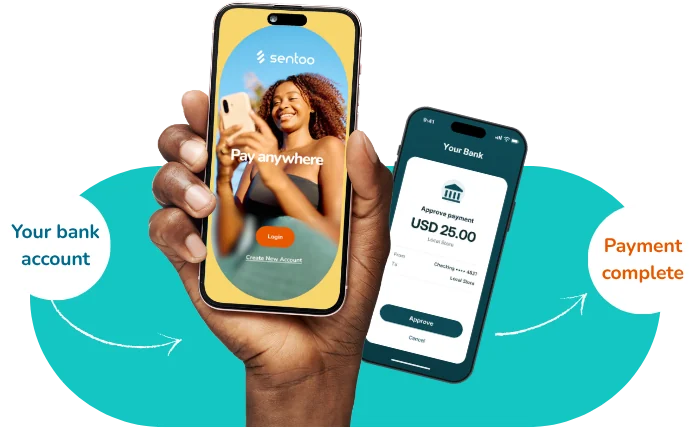
More ways to do more with your money
Built to make everyday payments simpler, while keeping you connected to the banks you already use.
-
No wallet needed
Your money stays in your bank account. No separate Sentoo balance to top up or manage.

-
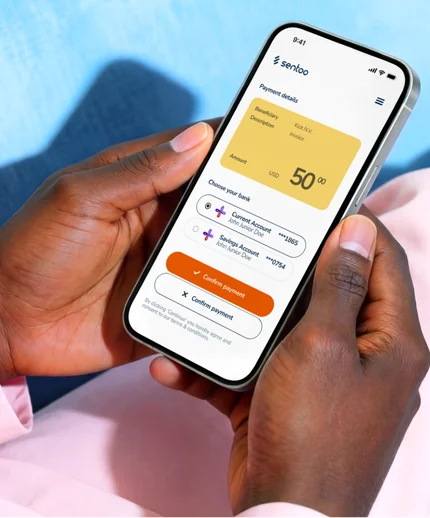
Your banks, in one app
Link multiple bank accounts to Sentoo and choose the bank you want to use where supported.
-
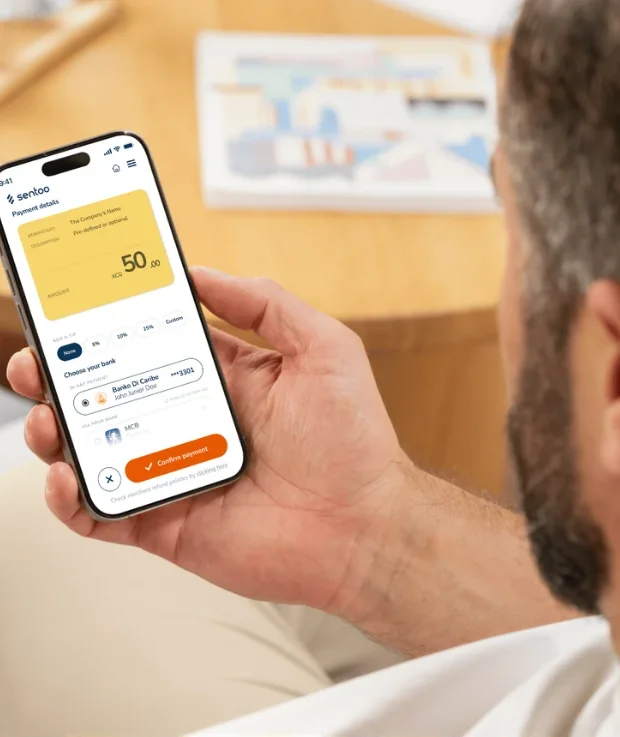
No payment details to type
Sentoo sends the payment details directly to your bank, making checkout quicker and reducing the chance of mistakes.
-
More rewards, coming soon
We’re working on fun rewards that will make paying with Sentoo even more rewarding.

Our merchants:








Frequently Asked Questions
These are the most commonly asked questions about Sentoo. Can’t find what you’re looking for? Contact our customer service.
Sentoo Pay by Bank lets you pay directly from your local bank account, without a card. Simply choose Sentoo at checkout, select your bank, and approve the payment securely through your banking app.
Sentoo helps you pay and get paid through digital payment experiences and your bank account, including Sentoo Pay by Bank, payment requests and QR codes.
No. You can pay participating merchants through their Sentoo checkout, payment link, or QR code without the Sentoo app. You still approve payment in your online banking app.
Sentoo is available at participating merchants in Aruba, Bonaire, Curaçao, Saba, St. Eustatius, and St. Maarten. Look for the Sentoo checkout button or our logo on a QR code or Payment link. Check out this page for the complete Merchant list.
Download or update the Sentoo app and follow the on-screen steps to set up your account. You can then explore the features available to you and your bank account. Please visit our page for more information.
On the home screen of your Sentoo app, go to Your Bank accounts and click on "+". Follow the instructions to connect a supported bank account. Available banks and connection steps may vary.
Sentoo is available with Aruba Bank, Banco di Caribe, CMB, MCB Bonaire, MCB Curaçao, Orco Bank, and WIB. The bank options will be shown depending on the merchant's available bank accounts. We are working hard to add more banks to Sentoo. As soon as we can publicly announce new partnerships, we will do so through our social media and our mailing list.
If you are interested in keeping up to date with your specific bank, visit our sign-up page.
Sentoo does not charge customers for paying with Sentoo. Your bank may apply its own cross-banking fees.
On the home screen of your Sentoo app, go to Your Bank accounts and click on "+" . Follow the instructions to connect a supported bank account. Available banks and connection steps may vary.
Your bank’s transaction limits apply. Check with your bank if you are unsure about your limit.
Making an online payment with Sentoo is safe. Sentoo uses your bank’s authentication and authorization process for Pay by Bank payments. Always review payment details before approving a transaction.
The transaction takes place in two steps:
- The user is identified and authenticated within the online banking app. Use the bank's multi-factor authentication, such as fingerprint, facial recognition, token, or e-pass.
- Authorization. You grant permission for the transaction using the bank’s multi-factor authentication, such as fingerprint, facial recognition, token, or e-pass.
Sentoo minimizes the payment information it collects and protects required payment data. Review the current privacy policy for full details.
Yes, you can. Simply select an available participating bank on the Sentoo payment screen. We link you to your online banking app. Authorize the payment through your banking app.
Sentoo does not have access to your funds or bank account.
Sentoo does not have access to your funds or bank account. You authorize payments through your bank. A merchant can choose our Sentoo Escrow Foundation. In that case, your money transfers directly to our authorized third-party escrow account (derdengeldenrekening), which is handled by the Sentoo Escrow Foundation on behalf of the merchant.
The new Sentoo app includes improved account protection and verification features designed to support secure sharing of payment links and QR codes.
Available with participating banks
Is your bank on Sentoo?
Use Sentoo in selected countries with participating banks.
- Curaçao
- Aruba
- St. Maarten
- Bonaire
- Saba
- St. Eustatius





Ready to use Sentoo?
Pay, get paid and manage your connected bank accounts from one app.
Download Sentoo and get started today.


Available in selected countries with participating banks.
